Create your account or sign in
The owner keeps the Joredu account. If you already have one, reuse it to avoid duplicate accounts.
Joredu brings together your daily business operations. Organise work, coordinate your team and keep data and permissions separate.
Add your products and services manually, at your own pace. You do not need to move from another system.
Choose a sector and keep each business’s data separate.
Enter names, prices and taxes, and organise categories. Importing is optional.
Assign team permissions. For invoicing in Ecuador, configure the issuer, electronic signature and appropriate numbering.
Explore your sector. Discover its features, follow a working day and see the screens your team will use.
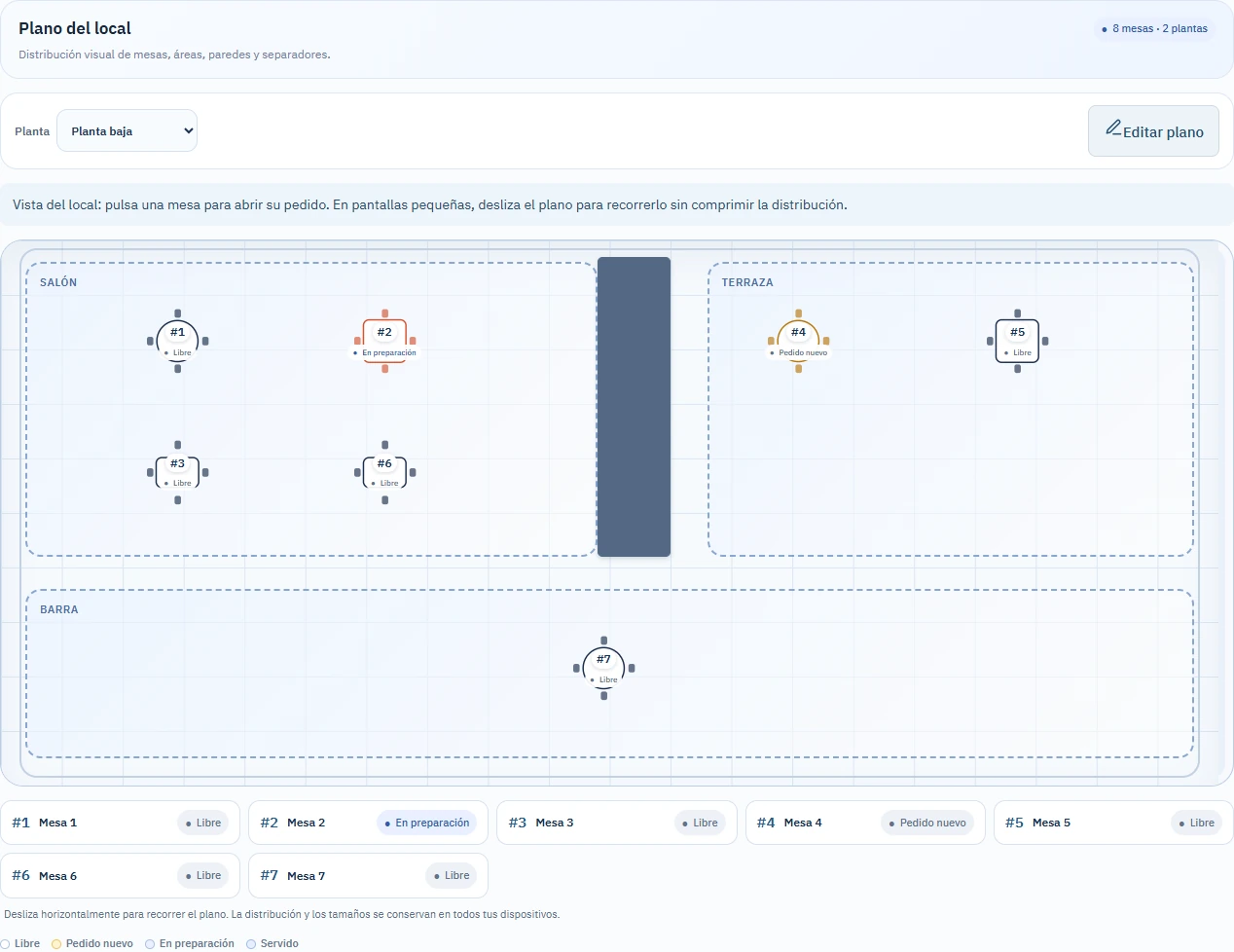
From the dining room to the kitchen, keep every order in view.
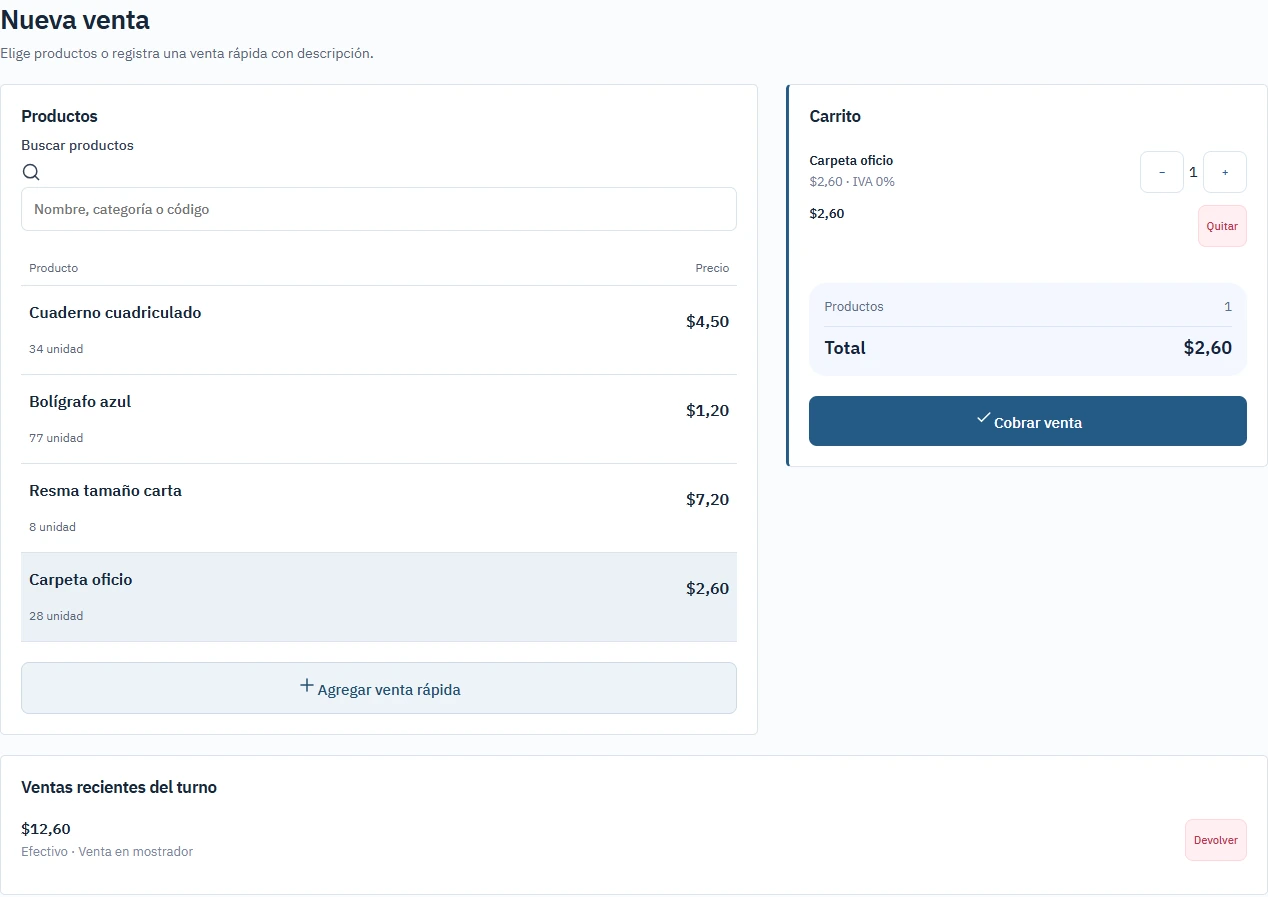
Explore featuresConnect every sale to the stock on your shelves.
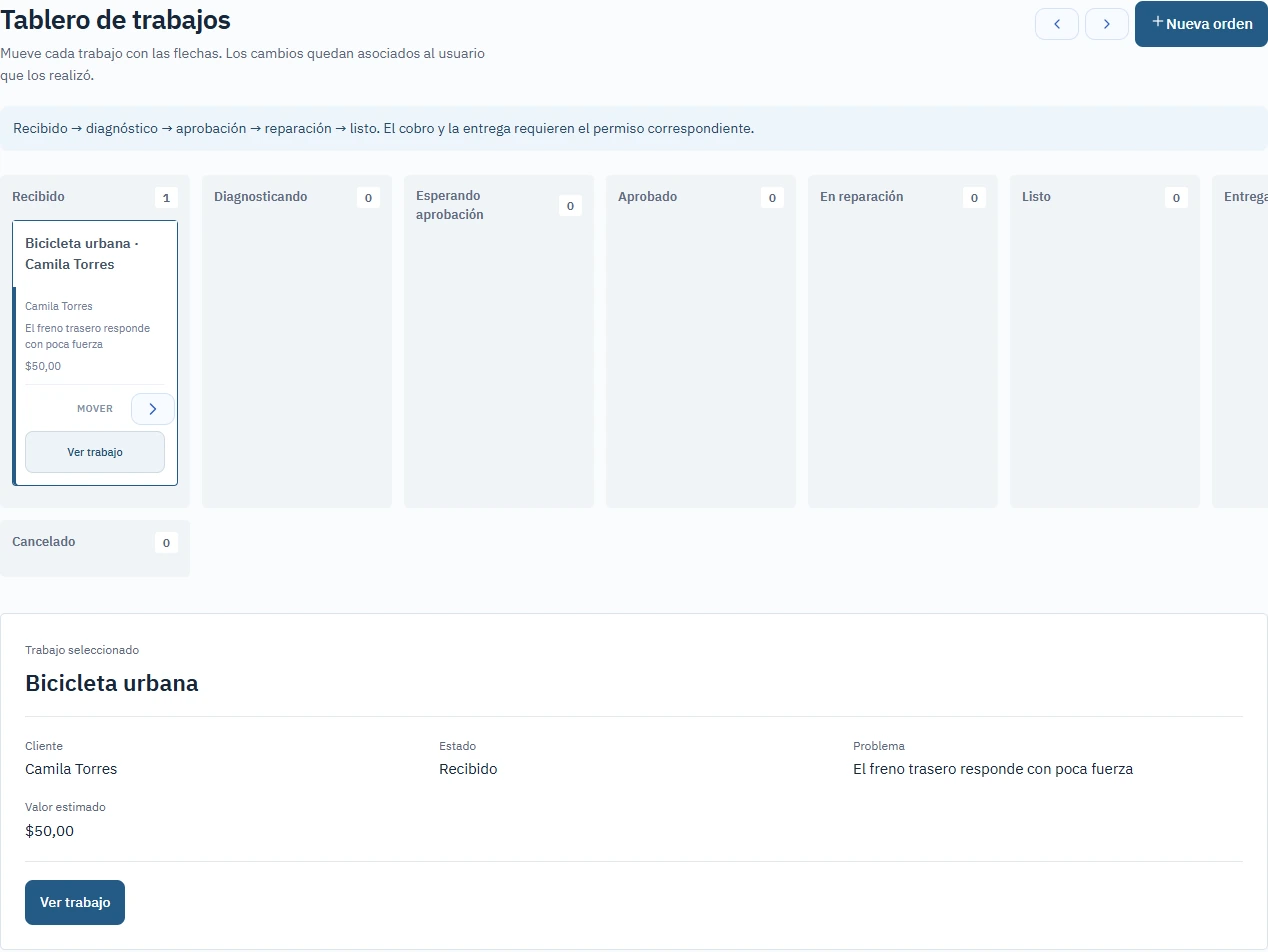
Explore featuresTrack every job from intake to handover.
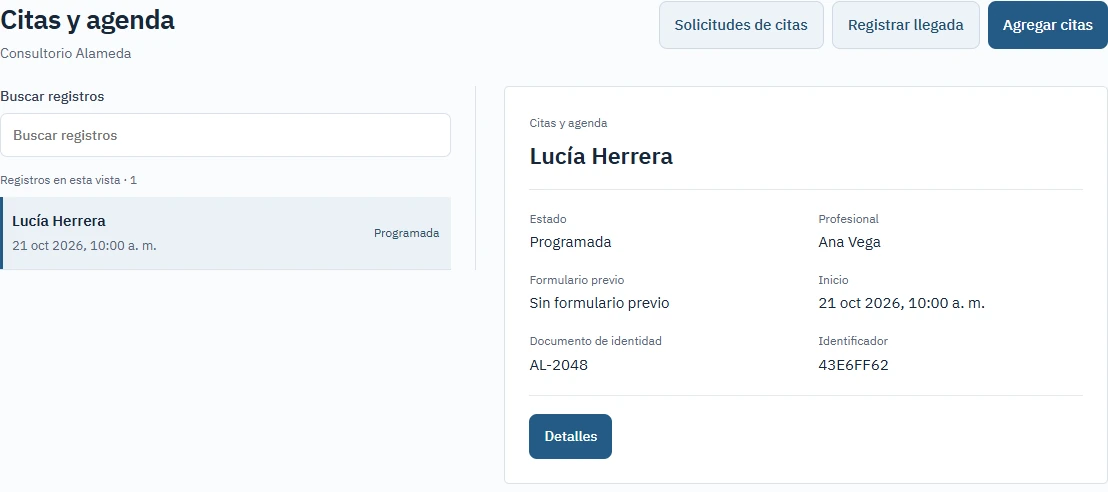
Explore featuresKeep reception and consultations connected.
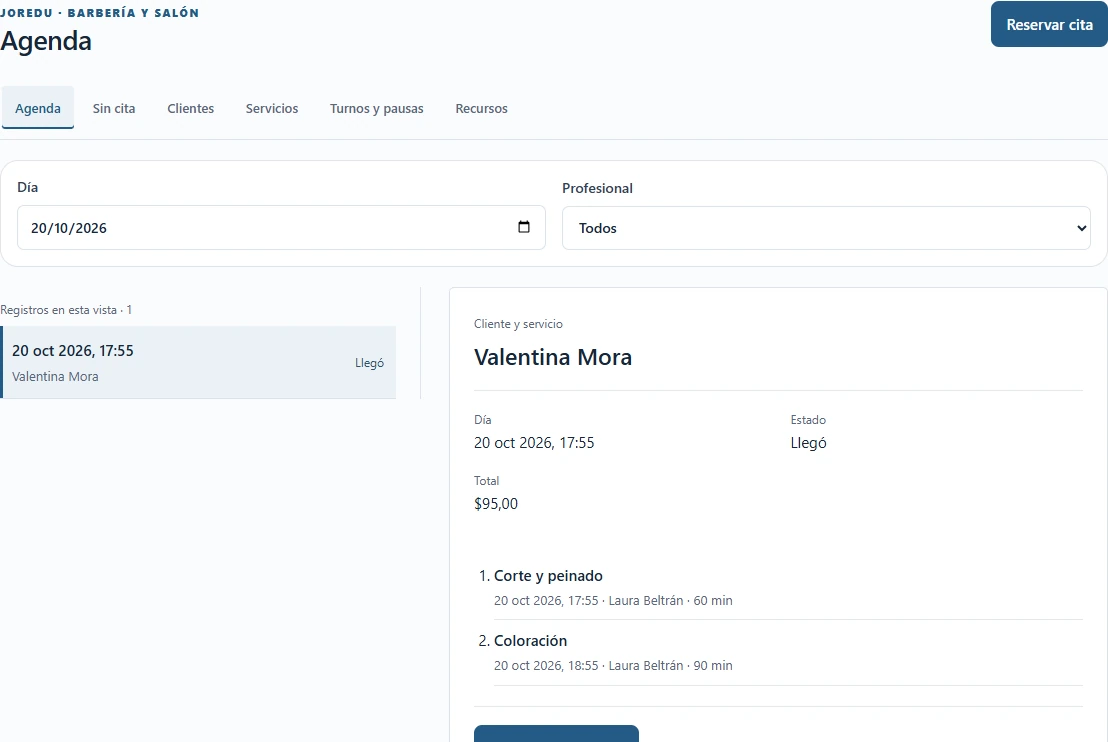
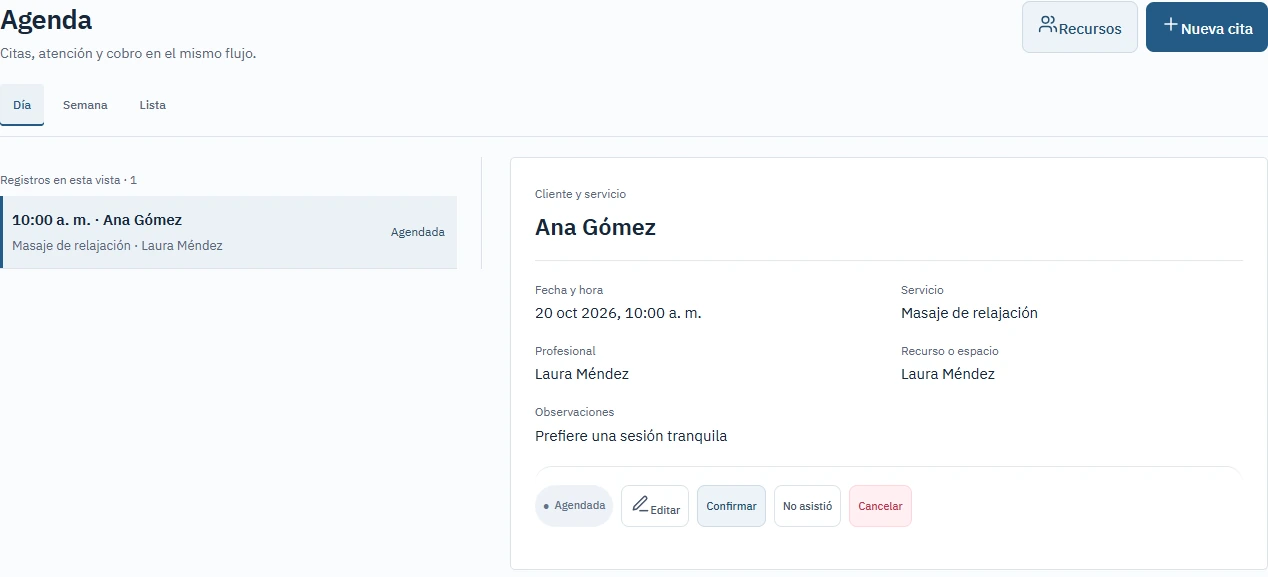
Explore featuresA diary that keeps pace with your team.
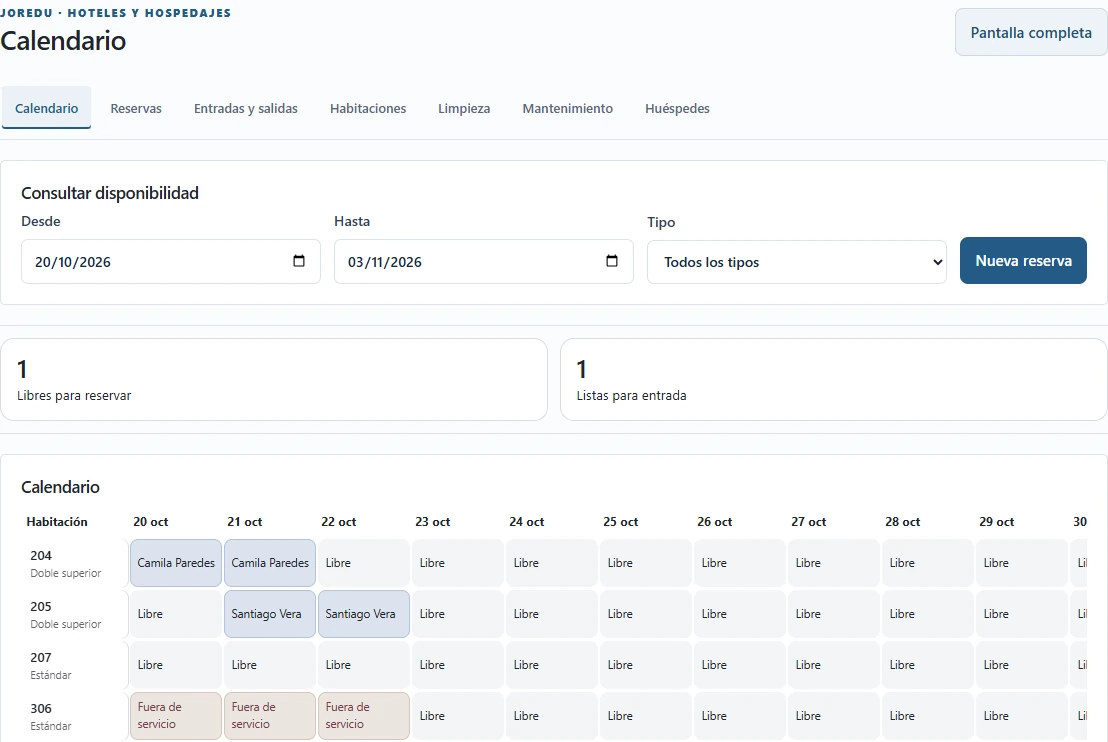
Explore featuresKnow which room is ready before your guest arrives.
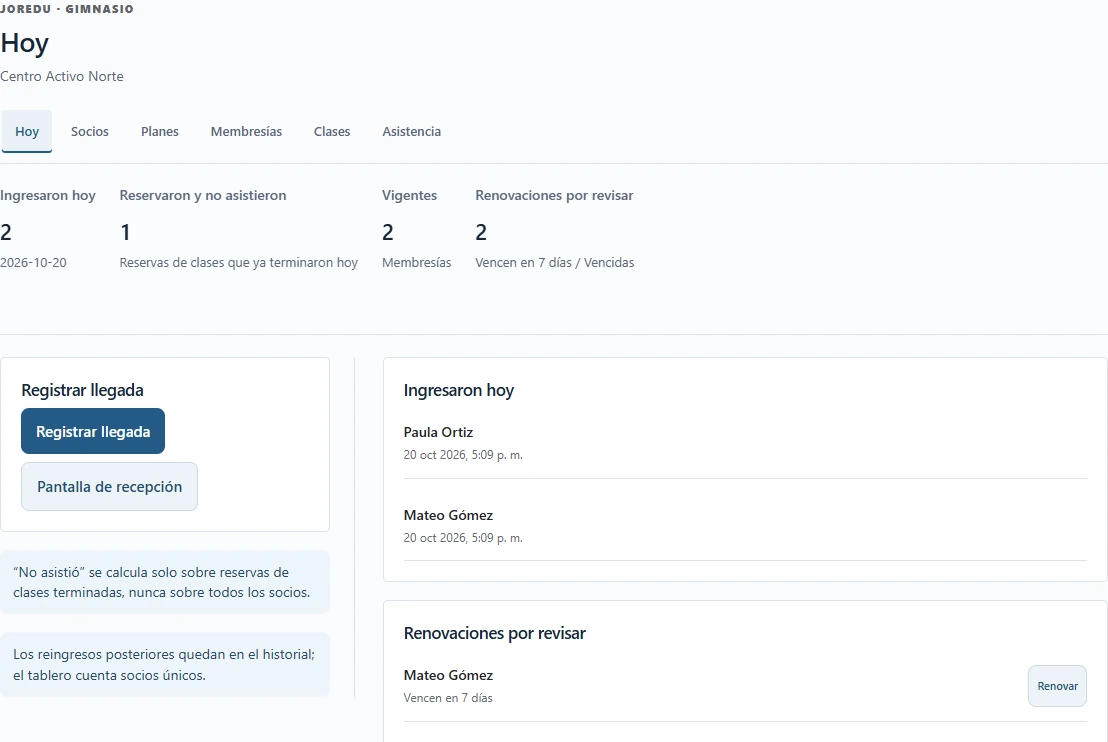
Explore featuresMembers, access and classes in one place.
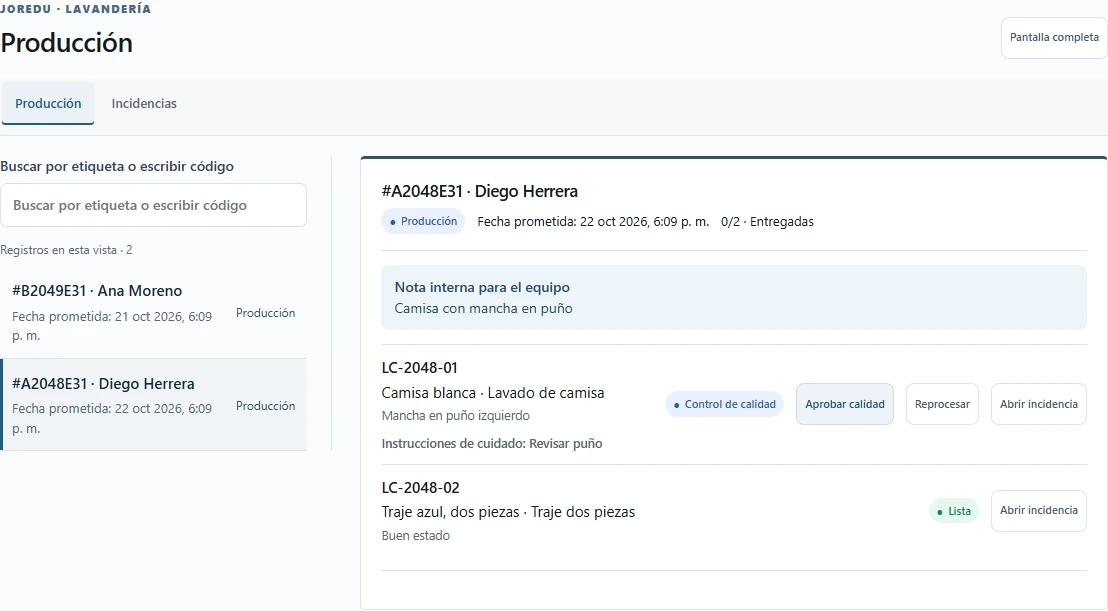
Explore featuresEvery garment identified. Every handover tracked.
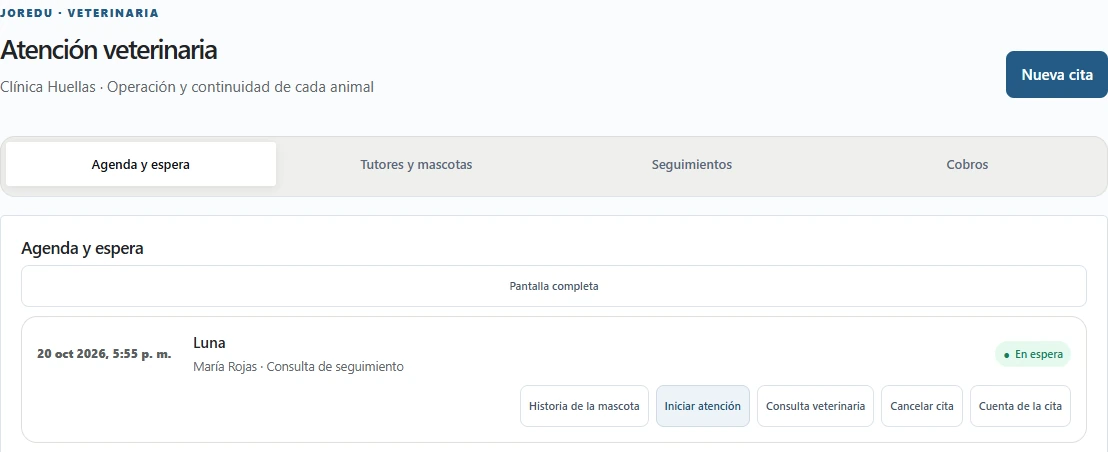
Explore featuresKeep each pet’s history connected to their care.
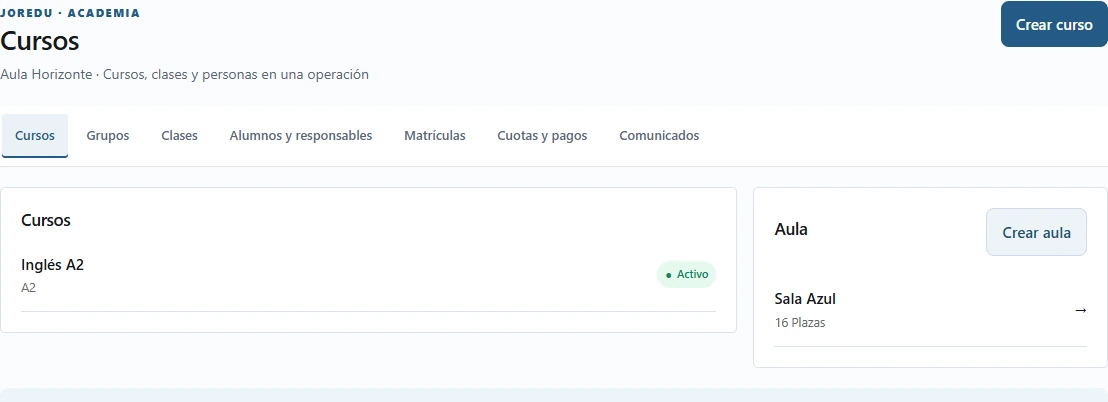
Explore featuresFrom the first enrolment to every group’s progress.
Explore featuresCoordinate your diary and resources for every appointment.
Explore featuresPrices, currency and availability are requested from the service when this page opens.
The owner keeps the Joredu account. If you already have one, reuse it to avoid duplicate accounts.
Check the current plans and confirm payment with the provider. Subscriptions and payments belong to the owner.
Once access is enabled, create your business, choose its sector and assign permissions to your team.
Team members sign in with the business code, username and password assigned by the owner.